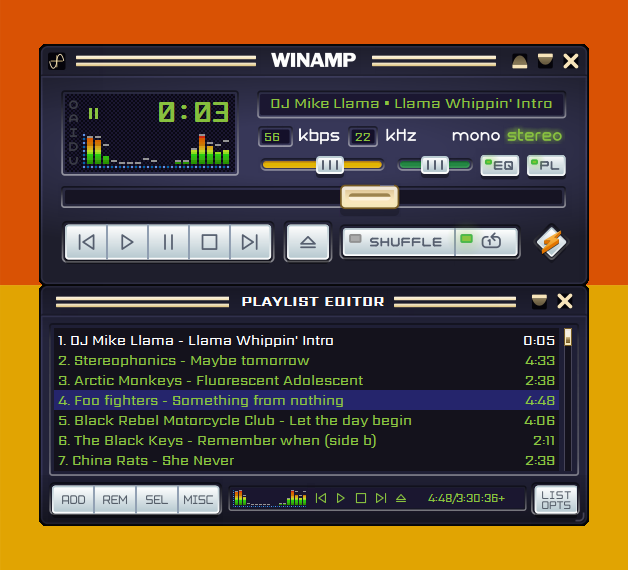
Winamp is one of the most popular media players that gives you several advanced features including rendering…
Aegisub app – free & easy Edit and Create Subtitle
Last Updated on
Aegisub presents a comprehensive subtitle editing solution, empowering you to craft and modify subtitles in ASS, SSA, and SRT file formats, ensuring an immersive movie experience in your preferred language.
In the realm of global entertainment, watching movies and series stands as a cherished pastime. Yet, the absence of subtitles in desired languages often poses a challenge. Consequently, translators seek to bridge this gap by crafting subtitles, particularly for trending and popular titles.
Enter Aegisub—an efficient tool for creating subtitles in ASS, SSA, or SRT formats. Boasting a user-friendly interface, it facilitates seamless subtitle editing, supported by features like spell checking, translation assistance, tag call tips, syntax highlighting, and versatile macros. With these aids, translating, editing, and quality assurance become more accessible tasks.

Aegisub ensures data integrity and user convenience with features like multi-level undo/redo, auto-saving, backups, and emergency recovery, assuaging concerns about errors or system crashes.
Flexibility is key, as Aegisub supports a myriad of formats and character sets, enabling seamless import and export operations across various formats. Legacy encodings and multi-language subtitles are effortlessly handled, thanks to full Unicode support.
In addition, Aegisub’s robust video mode supports a wide array of formats, complemented by features like automatic live preview of subtitles and full support for variable framerate video and Matroska timecodes, enhancing the overall editing experience.
Whether for professional or casual use, Aegisub equips users with the necessary tools to edit and create subtitles tailored to their preferences.
From adjusting subtitles to crafting new ones, Aegisub offers professional-grade tools within its intuitive interface. Tasks can even be automated, streamlining the editing process.
Moreover, Aegisub provides flexibility in customizing subtitle styles, ensuring both accuracy and aesthetic appeal.
With Aegisub, the task of subtitle creation and editing transcends mere functionality; it becomes an immersive and personalized experience. Users can effortlessly tailor subtitles to their preferences, ensuring seamless integration with their viewing habits.
The utility of Aegisub extends beyond conventional subtitle editing. It empowers users to rectify incorrect or faulty subtitles, thereby enhancing the overall viewing experience. Whether correcting errors or adjusting timings, Aegisub provides a comprehensive toolkit for addressing diverse subtitle challenges.
Furthermore, Aegisub’s versatility is exemplified by its ability to accommodate users of varying skill levels. Novices can easily navigate the intuitive interface and leverage basic editing features, while advanced users can delve into intricate customization options to fine-tune subtitles with precision.
In essence, Aegisub represents more than just a subtitle editor; it is a catalyst for enhancing the accessibility and enjoyment of multimedia content. By placing robust editing capabilities at users’ fingertips, Aegisub empowers individuals to engage with movies and series on their own terms, transcending language barriers and fostering a deeper connection with cinematic narratives.
In conclusion, Aegisub emerges as a go-to solution for creating and editing subtitles, empowering users to enjoy movies while ensuring subtitle accuracy and functionality. Download Aegisub Subtitle Editor here
Related Posts