Category / Tips
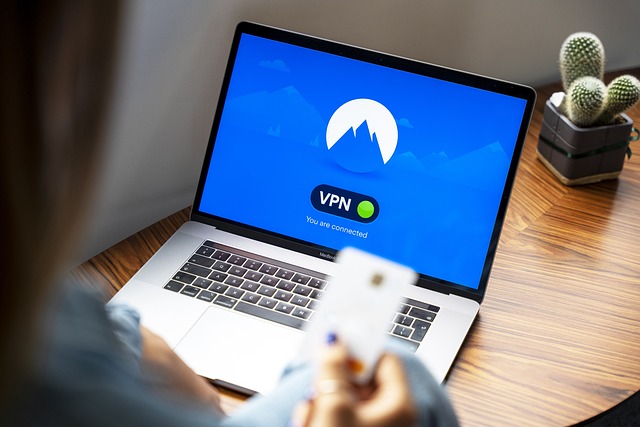
Download free Secure Premium VPN

Understanding VPNs: The Basics and Differences Between Free and Premium

This article explores the fundamentals of VPNs, their importance, and the key differences between free and premium VPN services, helping you make an informed decision about which option suits your needs.What is a VPN?A Virtual Private Network (VPN) is a technology that creates a secure, encrypted connection between your device and the internet. It acts...CONTINUE READING
Category:Tips
Enable Live Captions

How to Enable Live Captions on Android Devices

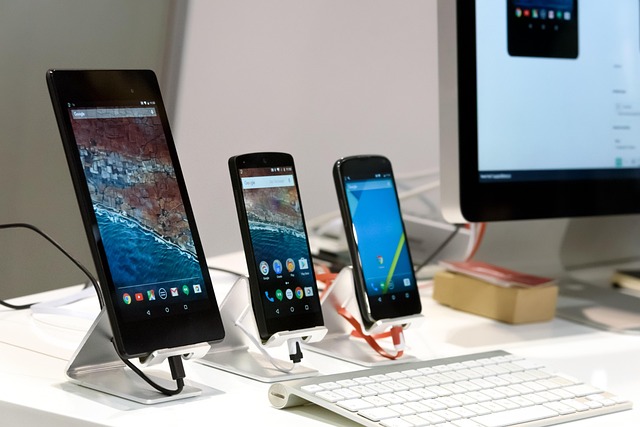
Live Captions is a powerful accessibility feature introduced by Google in Android 10, designed to make audio and video content more accessible by providing real-time text transcriptions. Whether you’re hard of hearing, in a noisy environment, or simply prefer reading captions, this feature enhances the user experience across various media types, including videos, podcasts, phone...CONTINUE READING
Category:Tips
maximizing the potential of iPhone Portrait mode

5 useful tips for using iPhone portrait modes

Here’s a detailed explanation of five useful tips for maximizing the potential of iPhone Portrait mode, based on its functionality and best practices for achieving professional-quality photos. Portrait mode, available on iPhone models starting from the iPhone 7 Plus (and enhanced in later models), uses computational photography and depth-sensing technology to create a shallow depth-of-field...CONTINUE READING
Category:Tips
Brave is a Chromium-based browser

Exploring the Top 7 Chrome, Edge, and Firefox Alternatives

In 2025, web browsers remain the gateway to the internet, shaping how we interact with the digital world. While Google Chrome, Microsoft Edge, and Mozilla Firefox dominate the market, their ubiquity doesn’t mean they’re the only or best options for every user. Concerns about privacy, resource usage, customization, and unique features have fueled the rise...CONTINUE READING
Category:Tips
WhatsApp on desktop

How to use WhatsApp on desktop?

Using WhatsApp on a desktop is a convenient way to access your messages, send files, and manage conversations without relying solely on your phone. WhatsApp offers two primary methods for desktop use: WhatsApp Web (browser-based) and the WhatsApp Desktop App (standalone application for Windows or macOS). Both methods support WhatsApp’s multi-device feature, allowing you to...CONTINUE READING
Category:Tips
Comparison of 1080p, 1440p, and 4K

Detailed Comparison of 1080p, 1440p, and 4K

When choosing between 1080p, 1440p, and 4K resolutions for your display, whether it’s a monitor or TV, the decision hinges on several factors including hardware capabilities, intended use, screen size, viewing distance, and budget. This note provides a comprehensive analysis to help you make an informed choice, drawing from recent comparisons and expert insights as...CONTINUE READING
Category:Tips
15 49.0138 8.38624 1 0 4000 1 https://webllena.com 300 0