In the world of outdoor TVs, SunBrite is a name synonymous with durability and exceptional performance. The…
3D Blu-ray player Review: Panasonic DMRPWT550EB Freeview Play Recorder (500GB)
Last Updated on
A high-quality Blu-ray player and an all-in-one network digital decoder – the Panasonic DMRPWT550EB is a versatile model.
4K UHD magnification and JPEG 4K playback
With an upscaling of 4K UHD on both Blu-ray and hard drive, the DMR-PWT550EB is the ideal partner for your 4K TV. Although not as good as native 4K, the Full HD upscaling provides superior detail and realism. Bringing this even further, this Panasonic Combi Blu-ray also offers 4K JPEG playback, giving you the ability to view your photos on the big screen in the highest possible quality.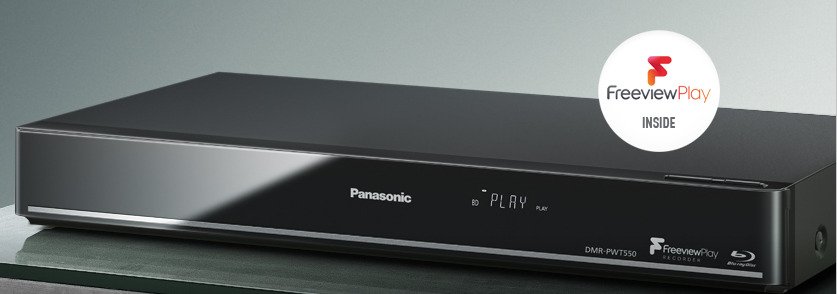
3D playback including 2D to 3D conversion
As you’d expect from Panasonic, the DMRPWT550EB offers a detailed and natural image quality. 3D compatibility allows you to watch 3D Blu-ray on your 3D TV, plus there’s 2D-3D conversion. 2D-3D conversion displays any 2D material converted to glorious 3D.
New Freeview Play for easy access to the access point on TV
Freeview Play combines catch-up television, on-demand services and live TV to make viewing what you want, whenever you want it’s as easy as possible. The service is free subscription and is compatible with existing broadband services. Services such as BBC iPlayer, ITV Player, 4oD and Demand 5 are available without having to open specific applications, providing a simple TV scrolling (requires a broadband internet connection with a minimum speed of 2Mbps).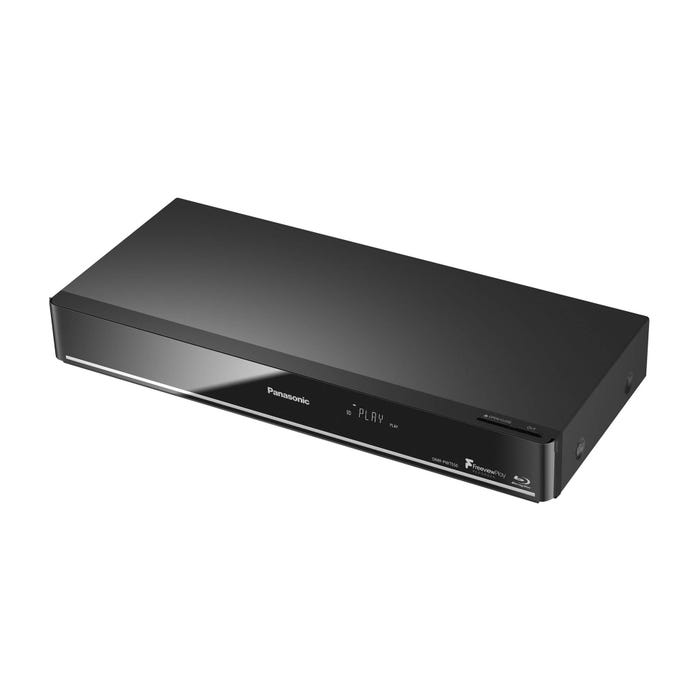
Playing and storing 4K UHD videos
With the ability to record 4K (MP4) content and play 4K videos recorded on USB, the DMRPWT550 is the perfect companion for your 4K TV. If you signed up for Netflix, you can also play 4K through the built-in app.
Panasonic DMRPWT550EB: Record up to 500 GB of HD TV shows
Dual HD tuners means that you can not only pause and rewind the live TV, but also record two different channels at the same time. In addition, with a built-in 500 GB hard drive, you can record up to 258 hours of SD programs or 129 hours of HD TV. In the unlikely event that you run out of space, you can plug in a hard drive with a separate USB USB and transfer data from one to another. Smart networks
Connect to your home network over the built-in Wi-Fi or Ethernet network and enjoy a wide range of smart network options. Choose from a wide selection of applications or use your web browser to facilitate Internet access. With DLNA support, you can also stream content from other devices on your network, which are perfect for accessing videos that you may have stored on your computer.
Remote recording and viewing
Take control of the recording, even when you’re hundreds of miles from home with remote registration. As long as your device is connected to broadband Internet, you can configure recording features remotely via your smartphone or tablet. With Panasonic TV Anywhere you can also broadcast live TV and recordings directly on your smartphone or tablet (excluding BBC content). Now there’s no excuse to lose your favorite show!Photo:Panasonic
Play, record, broadcast and update – anything is possible in the multitasking Panasonic DMRPWT550EB.
Related Posts