
As with other mobile phone manufacturers such as Samsung, Sony, Motorola, etc. Huawei provides users of their devices with a program called HiSuite.
HiSuite is a versatile software tool designed to seamlessly manage your Huawei smartphone from your PC. It gives you full control over key aspects of your device, including contacts, messages, and more. Easily transfer photos, videos, documents, and other files between your phone and computer, and even update your mobile’s operating system with just a few clicks.
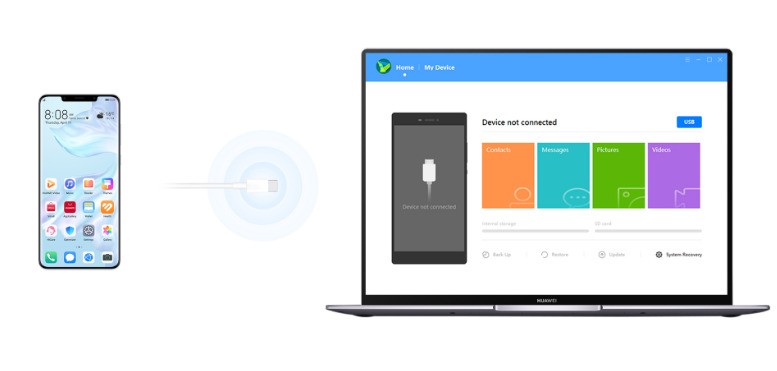
Essentially, it’s a way to use your PC as a way to customize, control and back up your phone.
Huawei HiSuite provides various tools in this program such as managing music, reading and sending SMS messages directly from your PC’s desktop and installing/uninstalling APK applications from your device. This freeware app can be a real-time savings.
Other features here can’t be lost and include synchronizing contacts and contact data, backing up data saved on your phone (such as photos, videos, music, etc.) and more. Huawei HiSuite supports wired USB and WiFi connections and can also function as a remote desktop.
HiSuite is a software that can send SMS messages.
Features and highlights:
-Easily manage your data and applications
-Download and install with a single click from the web
-Improved user experience of the Android smart device
-Easy connection to Huawei phone
-Managing data on devices
-Backing up and restoring data
Download Huawei HiSuite software here