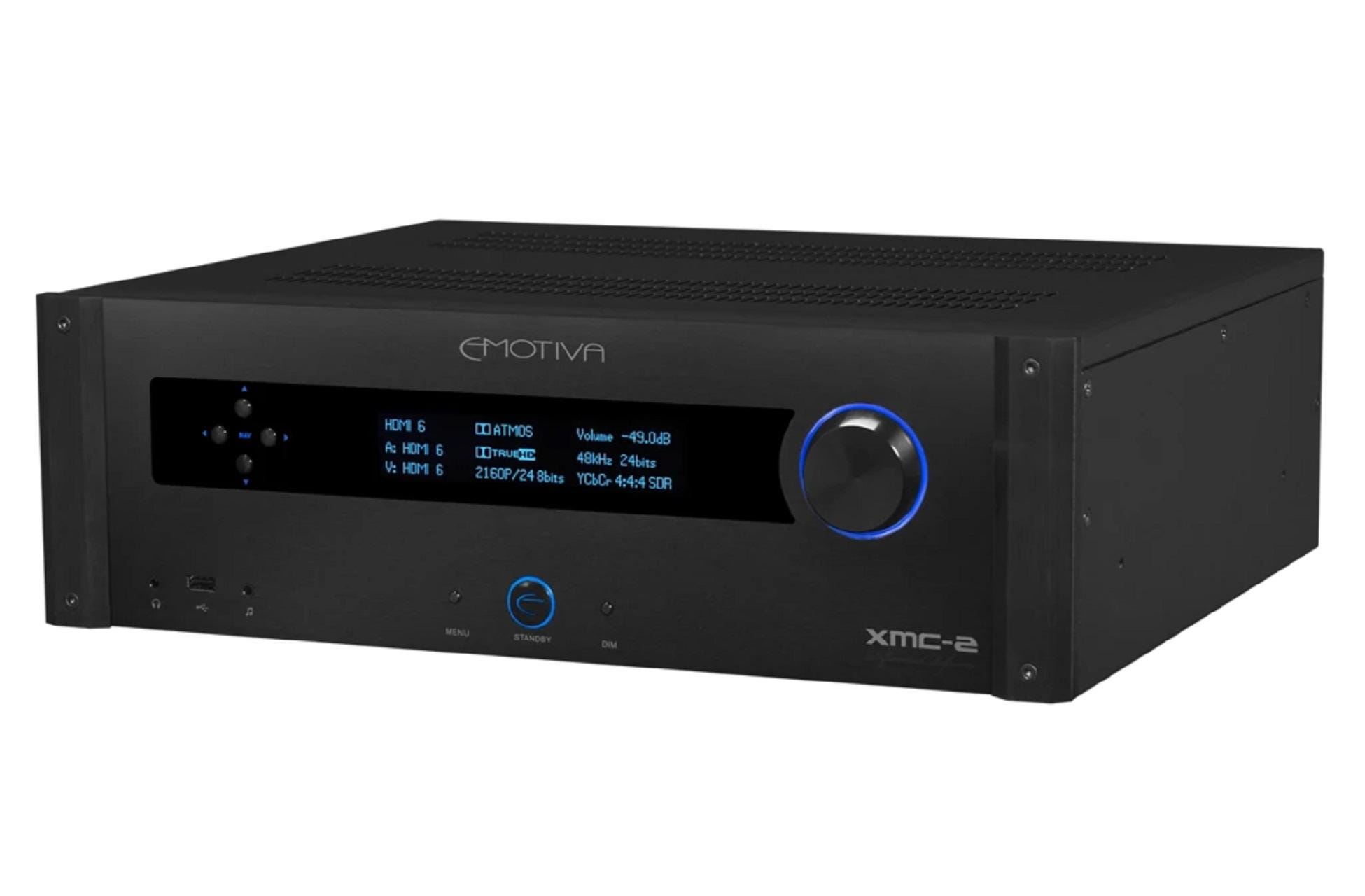
Emotiva XMC-2 Dolby Atmos 16 channels and DTS:X AV processor offers virtually all the RMC-1's remarkable audiovisual…
Fast Review-Asus ZenPad 3S 10 Z500M
Last Updated on
The ZenPad 3S 10 is similar to an iPad in name and looks, but is quite different in use. On the face of things, it is a stunningly thin, well-built 9.7in tablet that borrows a lot of design language from Apple’s iPad Air 2. Much Like Samsung’s Galaxy Tab S series, it’s trying to present Android tablets as a viable high-end option.
Design – Asus has done well in the design department. As an object, the 3S is one of the most ridiculously thin 9.7in tablets we’ve ever come across, thinner even than Apple’s iPad Air 2. Much like that tablet, it has a glass front and aluminium body, weighs little and means the bold, vivid display is the main attraction. The black and grey model we tested is even debatably too plain on the back; an Asus logo and camera are the only things that break the grey. There is an oblong fingerprint sensor at the bottom of the screen as it’s held portrait, with back and recent app capacitive buttons either side of it on the bezel. This is often preferable to on-screen buttons in Android that inevitably take up some of the precious display space. Other than that, the left edge is clean save for the Micro-SIM slot, a 3.5mm headphone jack on the top, volume rocker and power/ lock buttons on the right and a central USB-C port on the bottom in between the twin stereo speakers.
Features -Processor The ZenPad is powered by the Mediatek MT8176 chip, a hexa-core, 64-bit tablet specifi c processor. It’s pretty effi cient, though curiously refused to run the GFX Bench benchmarking app; it completely crashed the tablet. Not every user will be benchmarking, but it’s odd and worth noting.
Battery -The Asus ZenPad 3S 10 has a generous 5900mAh battery that keeps it going for around three- or four days with light use, but obviously drops down if you hammer it with gaming, streaming and a few apps for work. One thing we did notice was that it’s very bad at charging from dead. On the few occasions it ran the whole way down, the included Quick Charge 3.0 charger took an absolute age to wake it up. This isn’t rare for tablets, but here it was absolutely infuriating; blank screens, random battery icons and not turning on for at least 15 minutes.
The Asus ZenPad 3S 10 Z500M is one of the best-designed pieces of tablet hardware we’ve yet seen. But the software made my time with it a chore, and we actively sought to not use.
Specifications -9.7in (2048×1536, 264ppi) IPS display; Android 6.0 Marshmallow; Mediatek MT8176 processor; Hexacore (2x 2.1GHz and 4x 1.7GHz) CPU; 4GB RAM; 32/64GB storage; microSD up to 256GB; Wi-Fi 802.11 a/b/g/n/ac, dual-band, Wi-Fi Direct, hotspot; Bluetooth 4.2; GPS; USB Type-C 1.0; 3.5mm headphone jack; 8Mp rear camera, autofocus, geotagging, touch focus, face detection, HDR; 5Mp front camera; panorama nonremovable Lithiumpolymer 5900mAh battery; 240.5×163.7×7.2mm; 430g
Leave a Comment, or Read more at www.pcadvisor.co.uk/reviews
Related Posts