The Sharp 70CL5K TV boasts an attractive design, characterized by its sleek and modern appearance. It features an impressively thin profile, thicker at the top and protruding approximately 8cm towards the bottom. The bezel surrounding the screen is tastefully designed, measuring 12mm. Standing at a height of 97cm and width of 156cm, it is supported by two separate feet, necessitating a surface of around 140cm in width to accommodate it.
One notable aspect of the Sharp LC-70UI9362K is its convenient out-of-the-box picture settings. Simply unbox the TV, connect your cables, and power it on, and you’ll be pleasantly surprised by its near-optimal performance.
However, it’s important to keep in mind that although the TV supports HDR10, the HDR setting needs to be manually enabled. To do so, navigate to the Settings menu, then select System and HDMI Settings. From there, switch the HDMI 2.0 Format to ‘Enhanced’. Failure to perform this step will result in a non-HDR viewing experience, negatively impacting both color and contrast in the picture quality.
First and foremost, the size of this TV is truly impressive. The 70-inch display provides a captivating and immersive viewing experience, making you feel like you’re right in the middle of the action. Whether you’re watching movies, sports, or playing video games, the sheer size of the screen enhances the overall enjoyment and brings content to life.

The picture quality of the Sharp 70CL5K is top-notch. The 4K Ultra HD resolution ensures incredible detail and clarity, making every image appear sharp and vibrant. Colors are rich and accurate, while the contrast ratio offers deep blacks and bright whites. Additionally, the HDR (High Dynamic Range) technology further enhances the picture by providing a wider color gamut and improved contrast, resulting in more lifelike and realistic visuals.
Navigating through the TV’s smart features is a breeze. The built-in smart functionality allows you to access popular streaming services, such as Netflix, Amazon Prime Video, and Hulu, directly from the TV’s interface. The user interface is intuitive and responsive, making it easy to find and enjoy your favorite shows and movies without the need for additional devices. The inclusion of Wi-Fi connectivity ensures a seamless streaming experience.
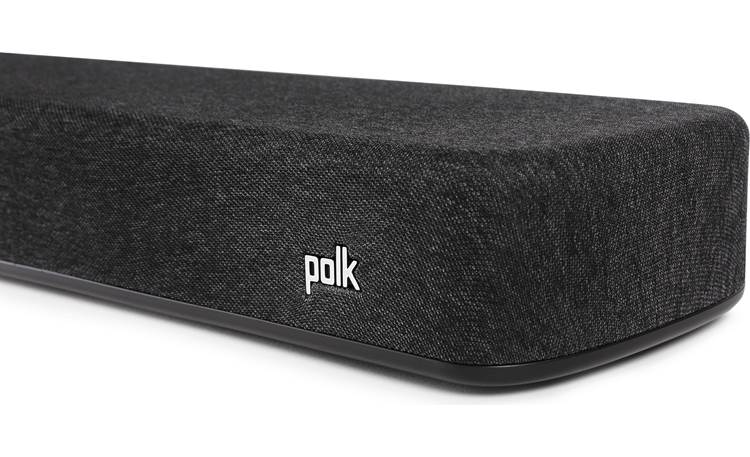
The audio quality of the 70CL5K is decent, delivering clear dialogue and sufficient volume levels. However, for a more immersive audio experience, I would recommend pairing this TV with an external sound system or soundbar.
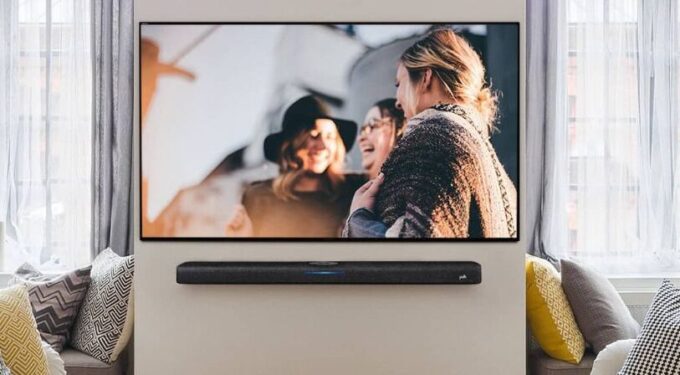
Design-wise, the Sharp 70CL5K sports a sleek and modern look. The slim bezels surrounding the display help maximize the screen real estate, providing a more immersive visual experience. The TV can be easily mounted on a wall or placed on a stand, giving you flexibility in terms of placement options. The Sharp 70CL5K 70-inch 4K Ultra HD HDR Smart LED TV stands out with its sleek, aluminum frame, setting it apart from other TVs that may have a more plasticky appearance. The thin bezel surrounding the display ensures that your focus remains on the image itself, providing an immersive viewing experience. The widely spaced feet not only offer stability but also allow you to conveniently slide a soundbar in front of or underneath the TV. If you prefer wall mounting, the VESA 400 x 200 fixings enable easy installation with your choice of wall bracket.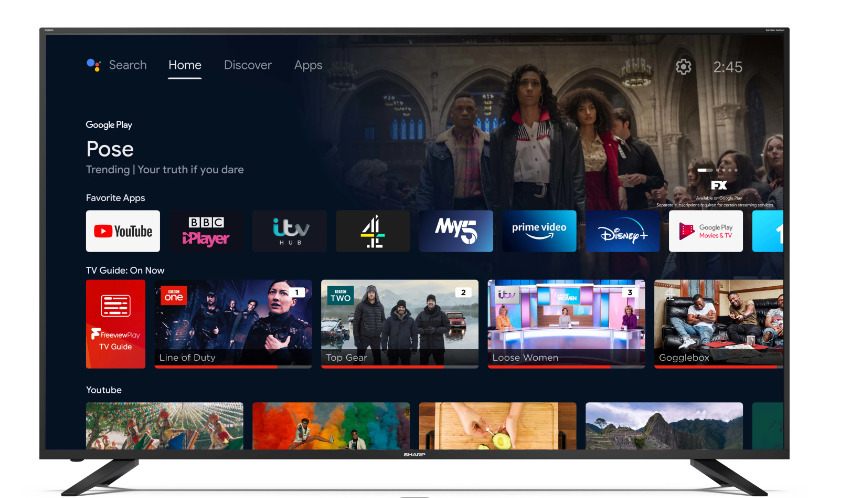
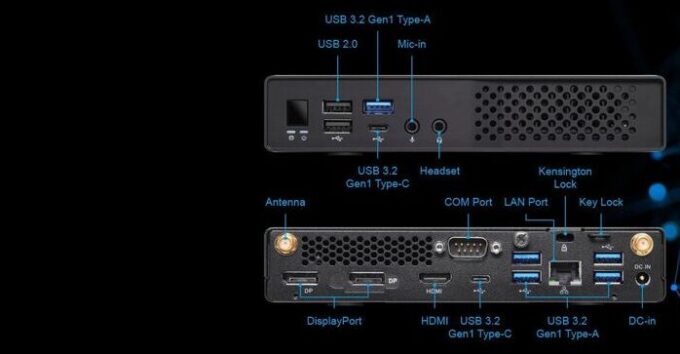
In terms of connectivity, the TV offers a good range of ports. It includes multiple HDMI ports, USB ports, and an Ethernet port, allowing you to connect various devices such as gaming consoles, Blu-ray players, and external storage devices. The TV also supports wireless connectivity options like Bluetooth, making it convenient to connect wireless headphones or speakers.
One area where the Sharp 70CL5K could improve is the remote control. While functional, it feels a bit basic compared to some other premium remotes on the market. However, this is a minor concern considering the overall performance and features of the TV.
The Sharp 70CL5K 70-inch 4K Ultra HD HDR Smart LED TV is powered by the advanced Ace Pro Ultra processor, delivering impressive picture quality. Combined with Active Motion 600 technology, this TV ensures smooth and seamless images, making it perfect for fast-moving sports, action movies, and intense gaming. With this technology, you can enjoy blur-free visuals and a natural flow that enhances your viewing experience.
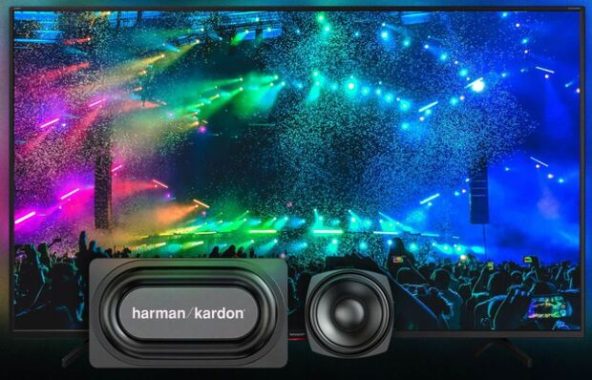
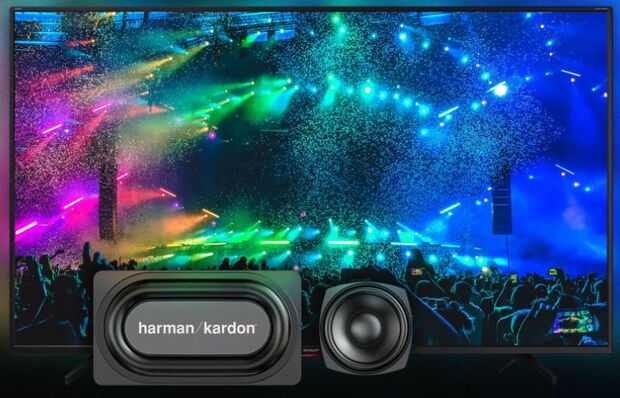
Harman Kardon, a highly respected brand in home and premium in-car hi-fi, has collaborated with Sharp to provide excellent audio quality. The TV features a 2.1 speaker system, including a dedicated subwoofer, which delivers a richer and more lifelike sound. For an even greater audio upgrade, you have the option to connect a soundbar of your choice using the HDMI ARC or optical digital outputs. This allows you to further enhance your audio experience and create a truly immersive home theater setup.
With Android TV, the Sharp 70CL5K offers a wide range of smart features. Popular streaming apps like Netflix, YouTube, Amazon Prime, and the Google Play Store come pre-installed, providing instant access to your favorite content. You can easily download additional apps such as BBC iPlayer to expand your entertainment options. Google Play Movies and TV bring an extensive collection of movies and programs right to your fingertips.
The TV’s integration with Google’s Android TV system brings added benefits, including built-in Google Assistant and Chromecast. Using the Google Assistant, you can control other smart devices, request information, and access entertainment using just your voice, similar to using smart speakers. Chromecast enables quick and effortless streaming of content from your Android smartphone to the TV.
Whether you’re connecting the latest devices or older sources, the Sharp 70CL5K TV has you covered. With four HDMI sockets, you can easily connect your soundbar, gaming console, Blu-ray player, and set-top box. For older devices like DVD players or pre-HDMI gaming consoles, the TV offers component and composite inputs. Additionally, a standard Micro SD card slot is available, allowing you to showcase photos or videos taken with your digital camera.
The Sharp 70CL5K 70-inch 4K Ultra HD HDR Smart LED TV is a fantastic option for those seeking a large-screen television with impressive picture quality and smart features. The stunning 4K resolution, HDR technology, and intuitive smart functionality combine to provide a truly immersive viewing experience. If you’re in the market for a high-quality, feature-packed TV, the Sharp 70CL5K is definitely worth considering.
- Antenna Input Yes
- Satellite Input Yes
- HDMI 4K @ 60 Hz (2.0b) x4
- USB x2
- Micro USB x1
- 3.5mm Headphone jack / line-out Yes
- RJ 45 (LAN – 10BASE-T/100BASE-TX) x1
- Wi-Fi Max Transmitter Power100 mW at 2,412 GHz – 2,472 GHz; 100 mW at 5,150 GHz – 5,350 GHz; 100 mW at 5,470 GHz – 5,725 GHz
- Remote Control IR+BT
- Bluetooth Yes
- Micro SD card slot x1
- Speaker Full range with silk tweeter and woofer
- Speaker power (W) 2x10W (8 ohm) +15W subwoofer (6 ohm)
- Sound System BG, DK, I, L/L\’, MN, NICAM/A2
- Sound Settings Sound Equalizer
- Audio decoder Dolby Digital, Dolby Digital Plus, Dolby AC-4, DTS-HD
- Sound Technology Harman-Kardon
- Audio enhancement solution DTS Virtual:X™